If you’re a Zoomer like me, you’ll know how important it is to stay safe online!
As someone who grew up in the digital age, I was constantly taught how to avoid the dangers of the online world – and I think we’ve all heard the horror stories of meeting up with strangers.
However, it’s important to remember how to look after yourself in digital spaces – for both your physical and mental health.
I recently started a new blog post series, all about social media and mental health.
In my first post, I discussed the benefits of taking a social media break – and the way social media can affect our mental health on a daily basis.
In this blog post, I want to look at direct ways to improve your safety online.
From setting limits to staying cautious online, I’ve put together a few ideas to look out for yourself in the modern digital world.
1. Set strong passwords
Set strong passwords for your online accounts, including social media, online banking, blog or website accounts and more!
Anything you do online should be protected by a good password to give you a head-start when it comes to safety online.
It’s also important to add two-factor authentication whenever you can to add that extra level of security to any digital accounts.
2. Stay cautious
I think by now we know all about those fake calls from the government.
However, it’s so important to stay cautious. I recently received a text from someone claiming to be Apple Pay, saying I needed to reset my password.
I was in a rush, so I almost clicked the link before I realised it was obviously a scam.
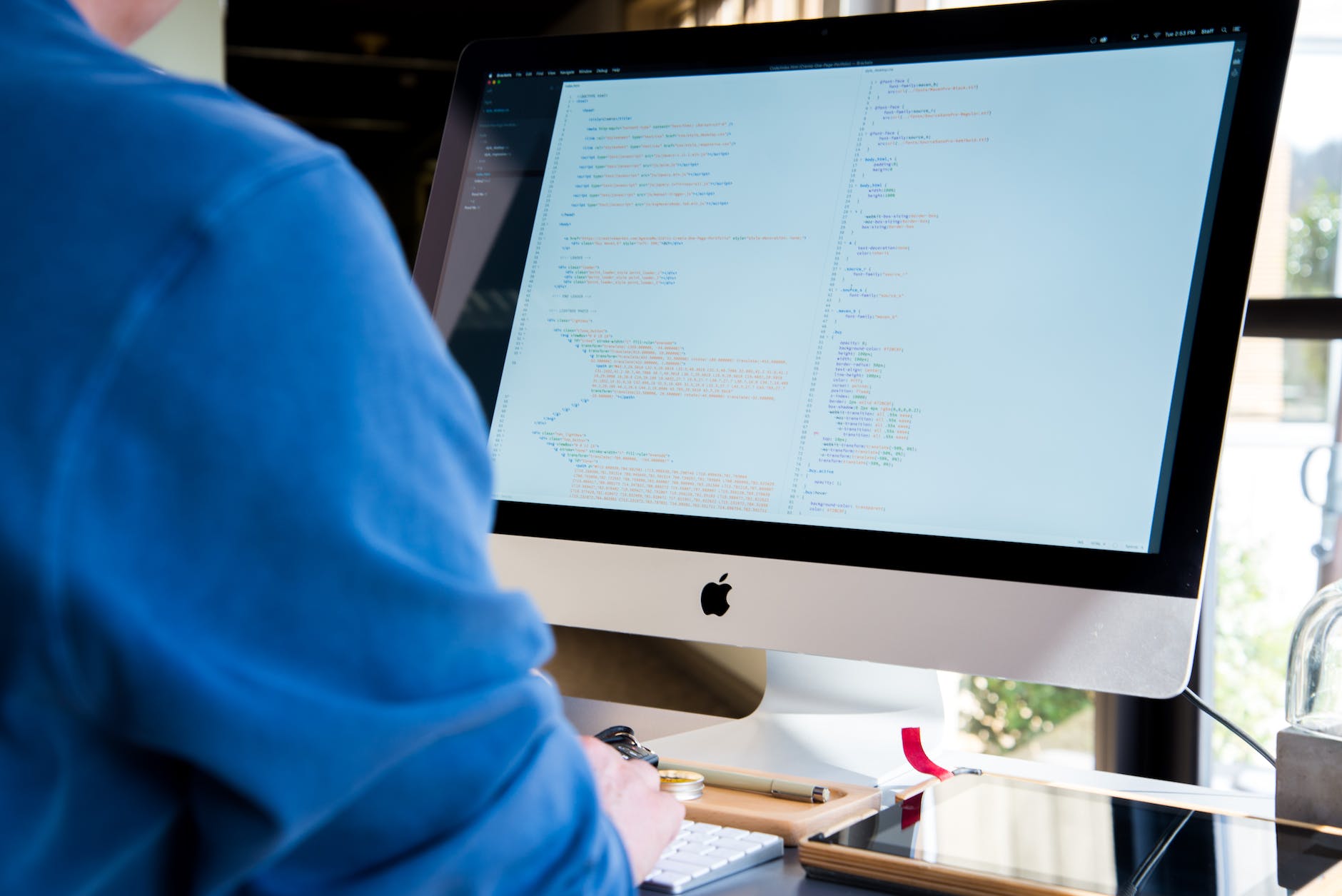
If you’re feeling rushed or stressed, it can be all too easy to fall prey to a scam online – so make sure to take your time and understand all the details before agreeing to anything.
Remember, if a deal seems too good to be true – there could be a reason for that!
3. Set social media limits
Looking after your safety online is as much about your mental health as it is about your physical health.
Take regular social media breaks and set limits on your phone to look out for your mental well-being while using social media.
Social media limits can also help you spend less time on your phone and more time socialising with friends and family – improving your quality of life.
4. Block and delete
As soon as an online user says something unkind or does something inappropriate, block them!
Even if it wasn’t that bad, it’s not worth waiting around for them to send you something more abusive – and online hate can be really damaging for your health.
It’s so tempting to argue back, but you don’t want to spend all your time getting bogged down in negativity.
It’s also important to avoid inflaming the situation to keep yourself safe and protect your mental and physical health.
5. Keep your information updated
Make sure to keep your information updated online.
This can help you know as soon as someone new has accessed your accounts, and it can also help you recover your email or social media if you get hacked.
Keeping your information updated can let you stay aware of any changes to your account and its security in real-time.
6. Teach your kids
If you’re a 21st-century parent, it’s inevitable that you’ll need to talk to your kids about social media and online safety at some point.
By teaching your children what to do online (and what to avoid) you can encourage them to stay safe online throughout their life.
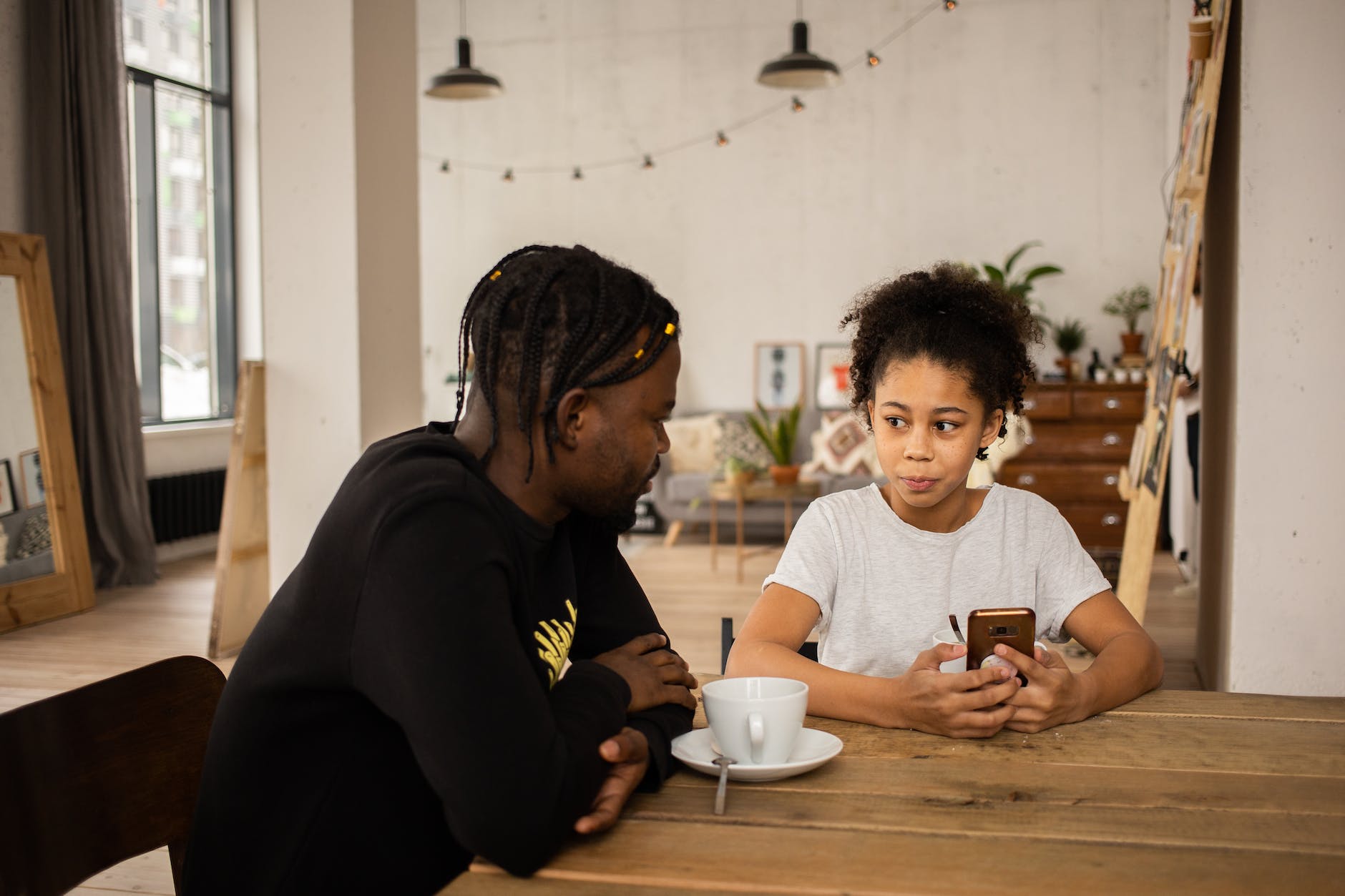
Your child’s school will cover a lot of topics when it comes to teaching your kids about staying safe online, but it’s always a good idea to make sure they know how to look after themselves.
It’s also a good idea for them to know that they can come to you with any issues about cyberbullying or internet safety.
7. Update your privacy settings
I’ve made it so that I need to follow people before they can message me on Twitter. This has really helped me avoid any nasty or inappropriate messages.
It’s easy to set limits on all your social media platforms, preventing unsolicited messages from people you don’t know.
Some platforms may automatically set your security protocol – so make sure to check your privacy settings are at the level you want.
8. Stay safe when meeting strangers
If you want to meet up with someone you’ve met online, make sure to stay safe. Online friendships can often turn into real-life friendships – and I think that’s a lovely thing!
However, it’s important to follow sensible safety procedures when you first meet up with someone new – and you should only meet up with people you trust.

Always choose a public place with other people around and make sure you know your surroundings in case you need to get out of the situation.
If you’re dating online, tell someone you trust where you’re going, who you’re meeting and what time to expect you back. You could even share your location with them if it helps you feel a bit safer.
9. Don’t share private information
It goes without saying: never share your private information on social media or online.
I think this is one of the things we’re taught from a young age these days – but it’s so important to remember as you get into adulthood.
For example, always think before you share any personal information on social media or via email – especially if it’s something that could put you in danger.
Watch this space for my next post in this series: 8 Things to Do Instead of Scrolling on Your Phone!
How do you stay safe online? What are your top tips to look after yourself online? What do you do to look out for yourself on social media?
Let me know all your thoughts in the comments below 🙂
Happy reading x

 Not-So-Modern Girl
Thanks for reminding. These are all extremely important things that you should not miss.
LikeLiked by 1 person
Thank you 🙂
LikeLike
Fantastic tips!
LikeLiked by 1 person
Thank you!
LikeLiked by 1 person
Knowing your socmed limits is soooo important even though you’re a content creator. Thank you for sharing.
LikeLiked by 1 person
That’s very true! Thank you Fadima 🙂
LikeLike
Great post! I grew up with the internet, which is cool. I feel like there was less emphasis on this stuff when I was younger. The main thing I worry about is getting hacked or details getting stolen so I set a range of ridiculous and strange passwords to stop this from happening!
LikeLiked by 1 person
That’s great Jenny! I think it’s so important to set strong passwords 🙂 thank you for sharing your experiences x
LikeLike
I need to work on updating my information because it’s been a while since I did it. These are important things to do.
LikeLiked by 1 person
That makes sense! Thank you for reading and commenting 🙂
LikeLike
This is such a great resource for parents and people online in general. Thank you for sharing!
LikeLiked by 1 person
Thank you Kristen 🙂
LikeLike
I’m going to go through each of these tips to make sure I have everything up-to-date. I’m usually very security conscious online but it’s easy to get complacent sometimes; thanks for the reminders!
LikeLiked by 1 person
Thank you Molly, I’m glad you found the post helpful 🙂
LikeLike
Yes, safety online is so important and these are all such great tips on how to stay safe! Thanks so much for sharing!
LikeLiked by 1 person
Thank you 🙂
LikeLike
Really good tips, I’ve used Twitter years and I didn’t realise you can stop people not following from DMing you! Off to do that now, thank you.
LikeLiked by 1 person
Haha I hope it helps! I’ve put my email in my bio so I still sometimes get spam there, but I think it’s saved me from a lot of unsolicited messages 🙂
LikeLike
I’ve been meaning to look at my passwords for a few sites recently so this was an excellent reminder to do it! Lots of good tips here as well, a really useful post, thank you for sharing x
LikeLiked by 1 person
Thank you Lisa! I’m glad you liked the post 🙂
LikeLike
Such a great post! Online saftey is such an important topic often overlooked. People forget and sometimes look past the fact that being online too much or not taking certain steps can affect your mental health.
LikeLiked by 1 person
I completely agree! I wanted to highlight the links between social media and our mental health. Thank you for reading and commenting Matt 🙂
LikeLike
Thank you Jeannie 🙂
LikeLike
I always try to keep my security updated. I’ve recently thought about trying NORDVPN or similar, but haven’t gotten to it yet. Internet safety is so important, especially now that cyber attacks are so notorious!
LikeLiked by 1 person
Definitely! Thank you so much for sharing your thoughts Chloe 🙂
LikeLike
Point 6 is SO important! I think kids have unsupervised access to the internet too young and it’s so addictive and bad for their mental health, not to mention how they are more likely to get scammed!
Corinne x
LikeLiked by 1 person
That’s very true! It must be such a tricky issue for parents, especially as the world is so digital now. Thank you for reading and commenting x
LikeLike
You wrote on a very important topic. I strongly believe that excessive use of social media can have a negative impact on one’s mental health. Taking a break from Screen time, as you recommended, is key to one’s sanity. I am glad to touched on teaching our children the impacts of using social media can help them learn how yo deal with bullying and abuse.
LikeLiked by 1 person
I think it is so important to take those breaks, and teaching young people how to navigate online spaces is crucial 🙂 thank you!
LikeLike
It’s so important in this fast-paced, constantly improving tech world to keep our gadgets updated and create a backup of all work online . Hacking has become so common nowadays. All the points that you have mentioned are necessary for every person. Great post 👍
LikeLiked by 1 person
Thank you very much 🙂 I agree, it’s so important to look after our digital accounts in the modern world x
LikeLiked by 1 person
It’s so easy to let the little things slip, especially passwords! I spent a long time using the same one because I couldn’t be bothered to remember loads. Luckily password managers exist now!! ~ Isabella
LikeLiked by 1 person
That’s great Isabella! Yes password managers can help you keep track of everything, great point 🙂
LikeLike
In order to be safer online I set-up two-factor authentication where possible. However, I encountered a problem when my phone broke and I lost access to the two-factor authentication app on my phone, because it only worked from that phone. It was a real pain getting access to some of my accounts as a result
LikeLiked by 1 person
Yes I think that’s the downside to increased security on all your accounts. I guess it’s better than the alternative. Thank you for sharing your experiences 🙂
LikeLike
The internet has changed a lot since growing up with it. It is so important to look after your safety when you are online. These are valid information to look after yourself, your money and personal information. Thank you for sharing.
Lauren – bournemouthgirl
LikeLiked by 1 person
Thank you Lauren 🙂 yes I think the online world is always changing, so it’s important to keep up when you’re looking after yourself. Thank you for sharing x
LikeLike
Fantastic advice. I was just talking about this over on Jenny’s blog. If I plan to work outside the house on my laptop, I either ensure I have all the necessary research done first for writing an article, or I hotspot. I don’t really trust external wi-fi services like those in available in coffee shops etc, and don’t have a VPN.
LikeLiked by 1 person
That’s very true! I often use a hotspot too – it’s just so important think about what you’re using, and prioritise your safety 🙂 thank you for reading and commenting x
LikeLike